
26Jul
SUPPORT JOURNEY
Coming Soon....

Coming Soon....
1/ Download Mega Drive App by link here https://mega.io/desktop
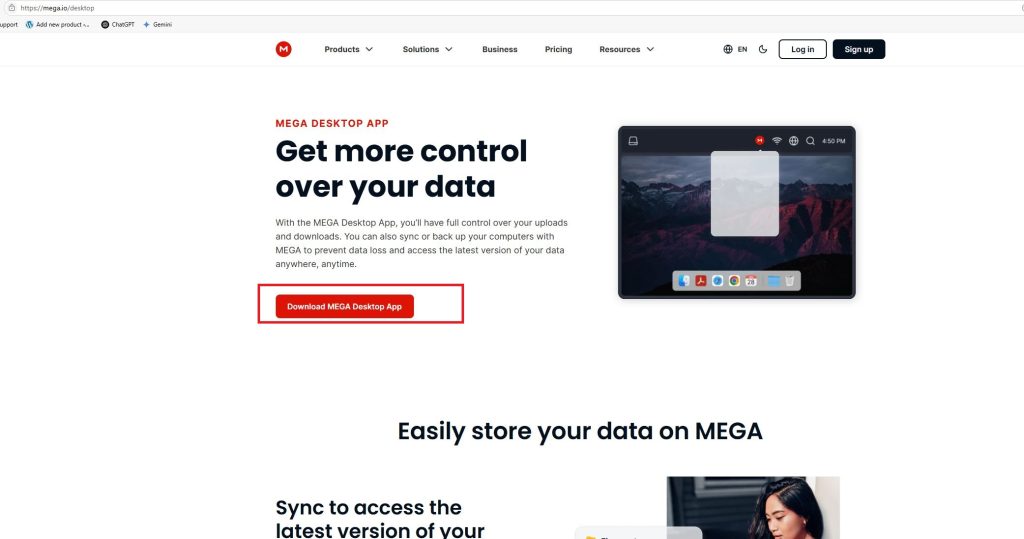
2/ Create an Account for free
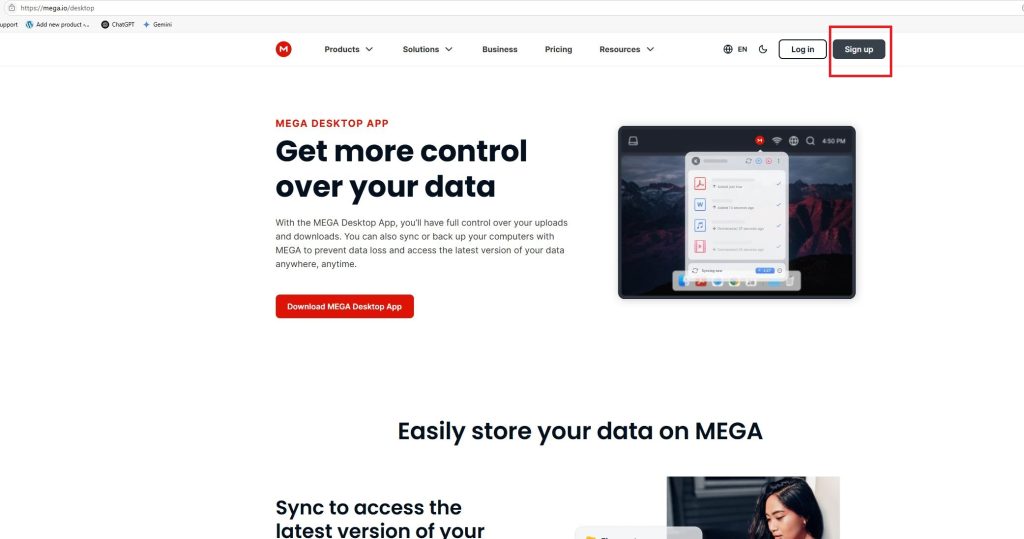
3/ Open the Mega App, then choose the" open link " setting, and paste the link to download


4/ Choose the download option, not import to Mega

5/ Click ok, then the file will download to your computer
1/ Click on start button, write task manager, click on performance, and you can verify if it is enabled or disabled

2/ Go To CPU VIRTUALIZATION Options and choose enable:

3/ Press F10 and choose save
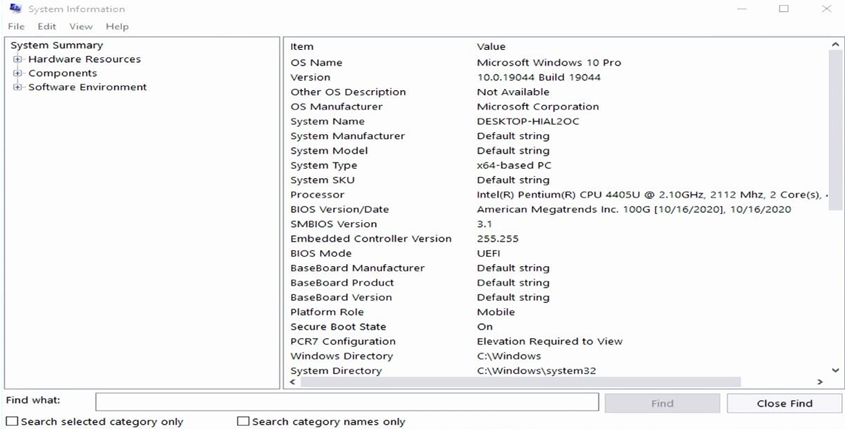
VERIFY IF SECURE BOOT IS DESACTIVATED:
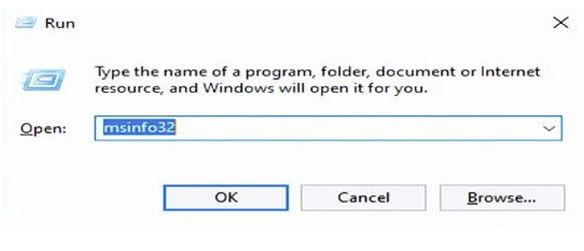
1/ Press the key combination: Windows + R

2/ A pop-up window will open in which to write: msinfo32 and click ok.
3/ A Windows Will open, in which you can verify if the secure boot is enabled or disabled
STEPS TO DISABLE SECURE BOOT:
1/ Go To Bios => "CLICK HERE TO GET HOW TO GO BIOS INSTRUCTION"
2/ Go to Secure Boot Options:
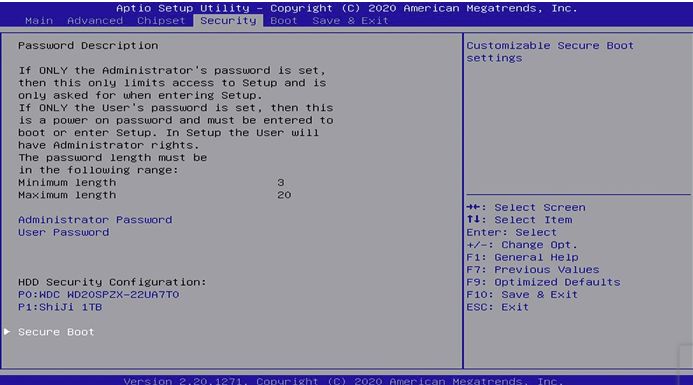
3/ Choose to disable:

4/ Press F10 and choose save:
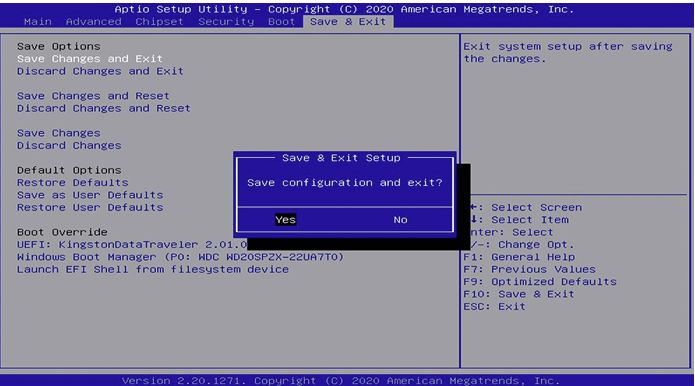
5/ Once the reboot is finished, verify if everything exit correctly, press Windows +
R, and write msinfo32. and you will see that the secure boot was disabled

.rar file.✅ Done! Your files are ready to use.
.zip file.✅ Done! Your files are ready to use.