Description
How To Fix Raymond Forklift Flashware Error
- Raymond Flashware Error / Program Not Working
Software fails to start, crashes, or shows unknown errors.
- Flashware Firmware Update Failed
Firmware update stops, freezes, or fails during programming.
- Flashware Can’t Connect to Forklift
No communication between Flashware and controller.
- USB Device Not Recognized
USB or diagnostic cable not detected by Windows.
- Driver Not Installed / Driver Error
Missing or incompatible USB–Serial driver.
- Access Denied / Permission Error
Windows security or antivirus blocks Flashware operations.
- Communication Timeout Error
Connection drops or times out during read/write process.
- Firmware Version Mismatch / Not Compatible
Flashware or firmware version not matching controller model.
- COM Port Not Detected / Wrong COM Port
Incorrect COM port settings or port not appearing.
- Flashware Can’t Read or Write Controller
Read/write process fails due to configuration or connection issues.


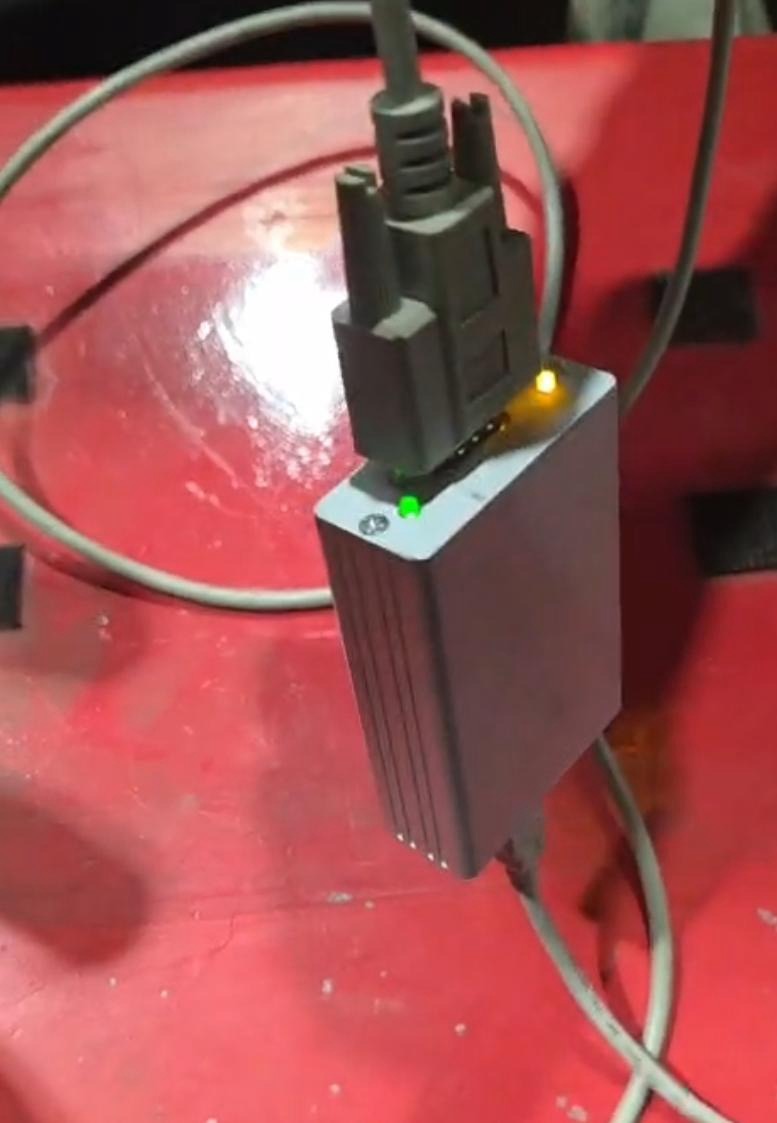
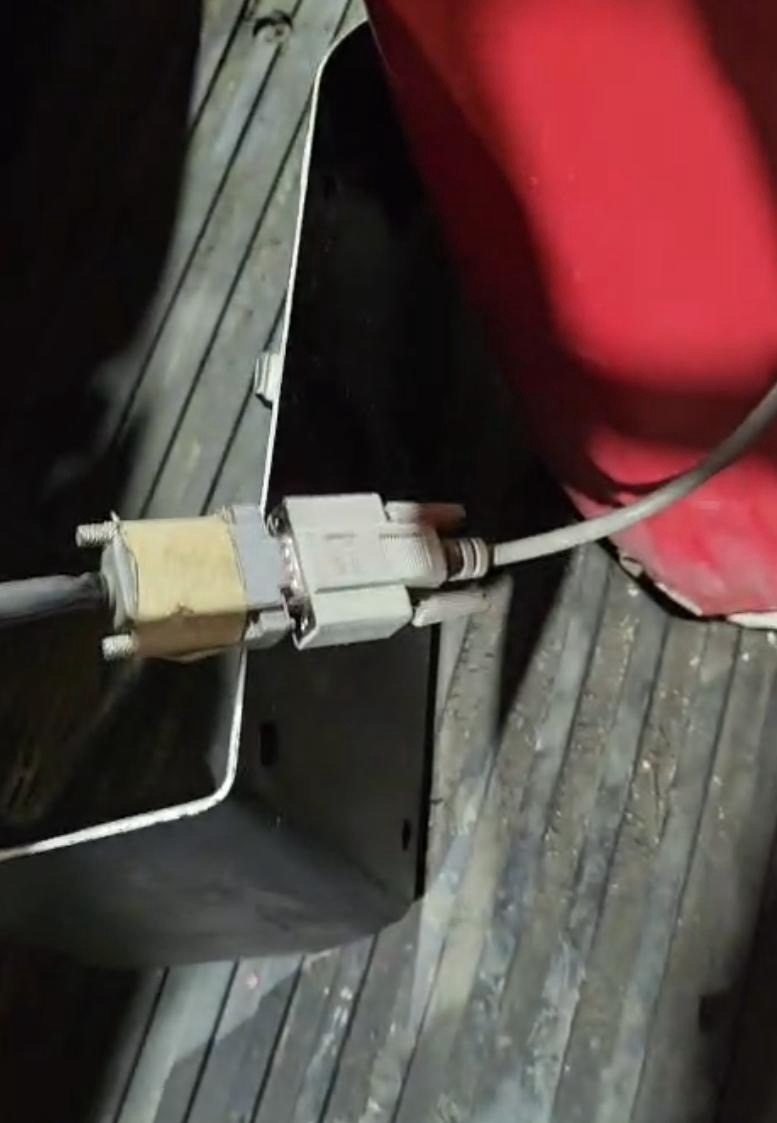


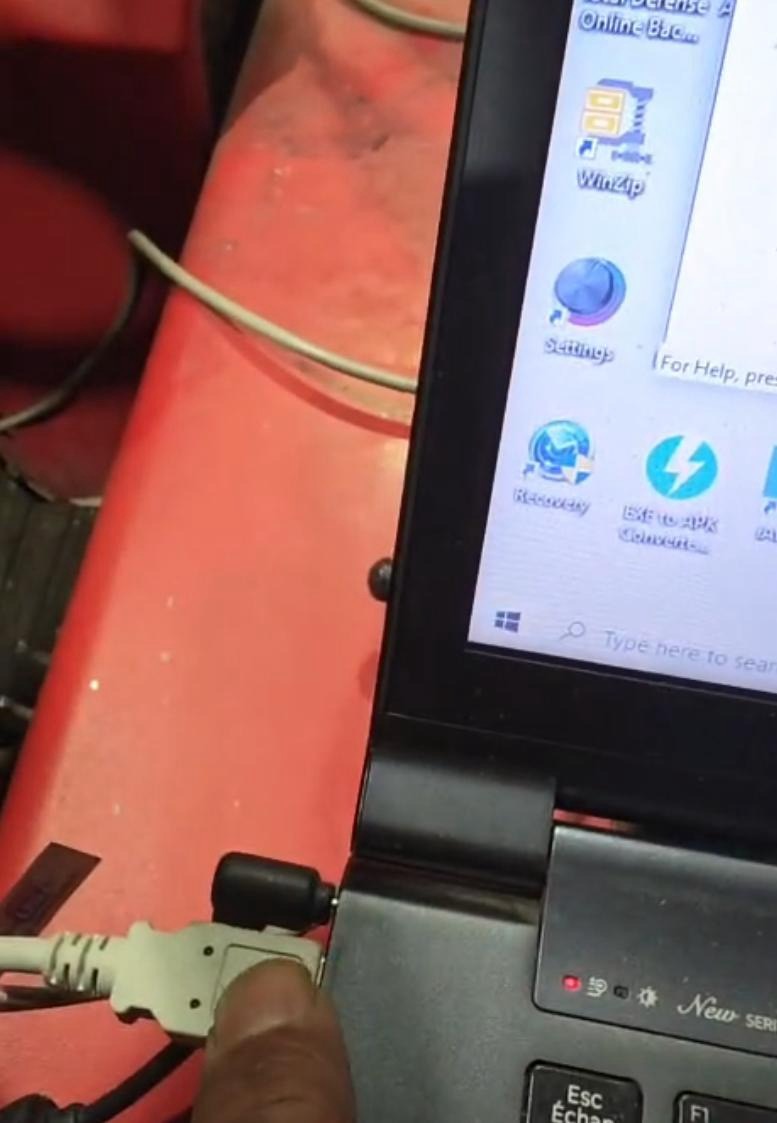
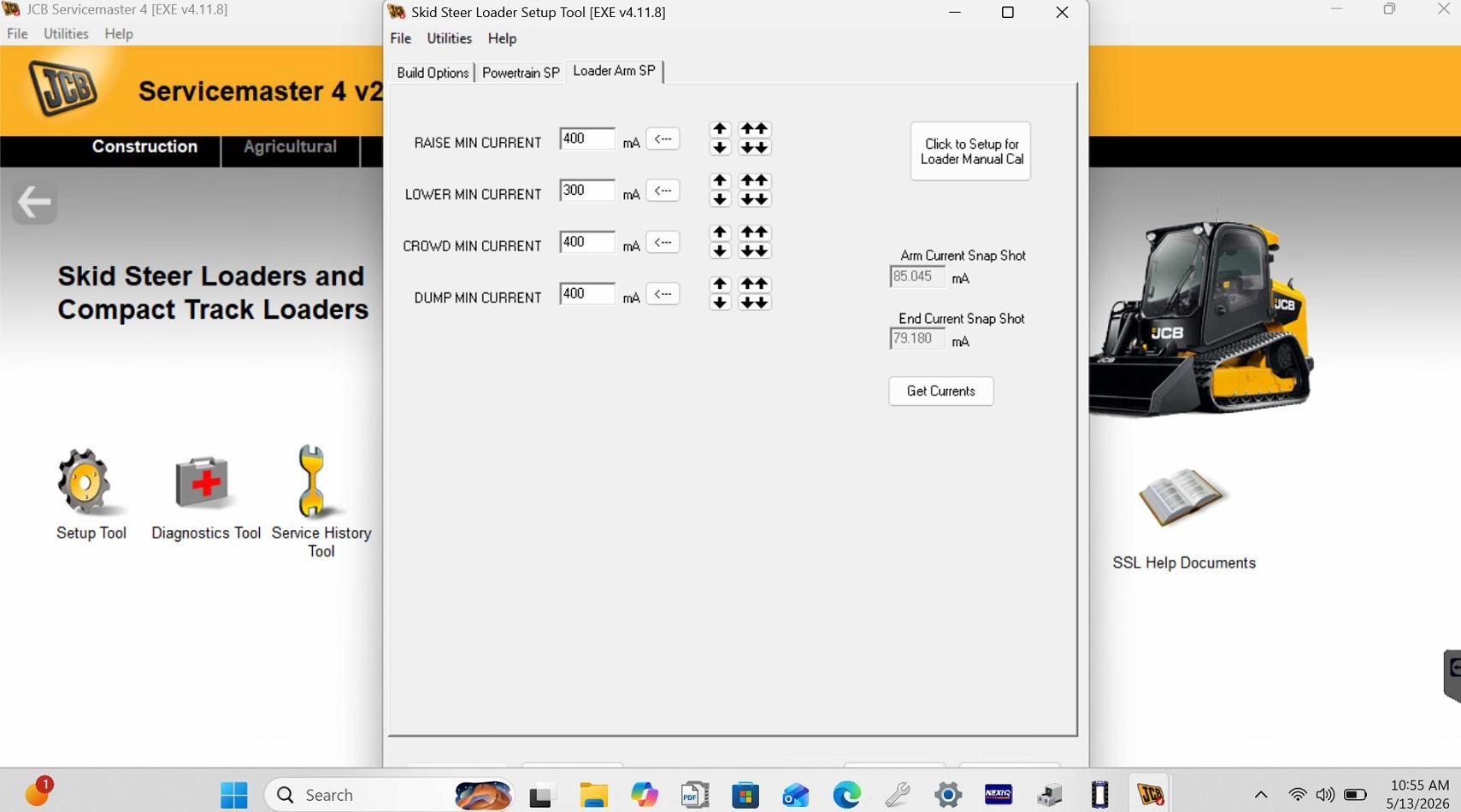
 Automotive - Heavy Equipment - Truck & Bus - Forklift - Crane