
4 ITEMSVIEW CART


Total: 600.00
Expert Support
Full Speed
100% Working
10 USD
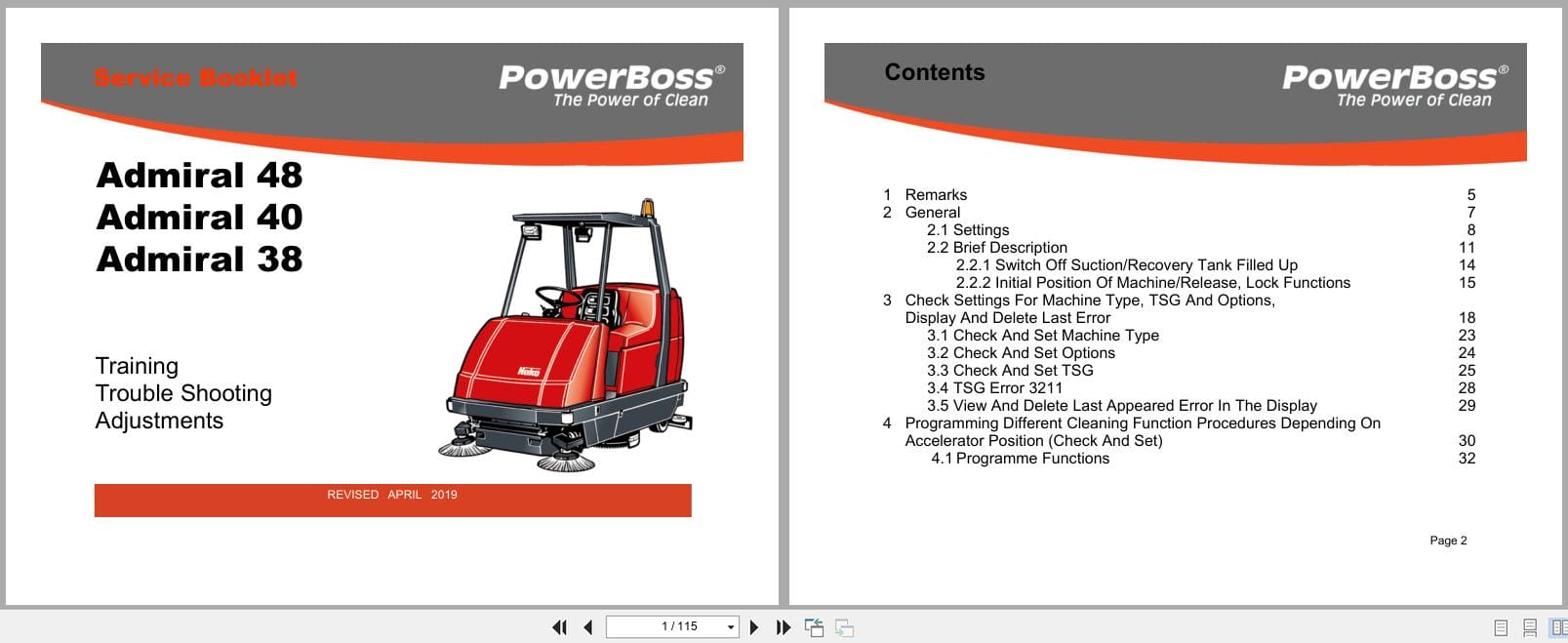
Contents:
1 Remarks
2 General
2.1 Settings
2.2 Brief Description
2.2.1 Switch Off Suction/Recovery Tank Filled Up
2.2.2 Initial Position Of Machine/Release, Lock Functions
3 Check Settings For Machine Type, TSG And Options, Display And Delete Last Error
3.1 Check And Set Machine Type
3.2 Check And Set Options
3.3 Check And Set TSG
3.4 TSG Error 3211
3.5 View And Delete Last Appeared Error In The Display
4 Programming Different Cleaning Function Procedures Depending On Accelerator Position (Check And Set)
4.1 Programme Functions
5 Specific Customer Settings (Display Of Last Error And Selection Of Water Stage, Cleaning Agent, SWA, Side Brush, Filter) PPV
5.1 PPV1
5.2 PPV2
5.3 PPV3
5.4 PPV4
5.5 PPV5 (B 1100 only)
5.6 PPV6 (B 1100 only)
5.7 PPV7 (B 1100 only)
5.8 PPV8 (B 1100 only)
6 Setting Of Modules
6.1 Module 1
6.2 Module 3
7 Settings Of CAN Operator Panels (B 1100 only)
8 Water Pump
8.1. Water Amounts
8.2 Standstill Detection for Water Pump
9 Drive Controllers
9.1 SEVCON Controller (Diagnostic LED)
9.1.1 Signal Measurement On Controller (SEVCON)
9.2 ATECH / ZAPI Controller
9.2.1 Automatic Monitoring Of Components
9.2.2 Error Messages Displayed Via LED
9.2.3 Explanations For Displayed Error Messages
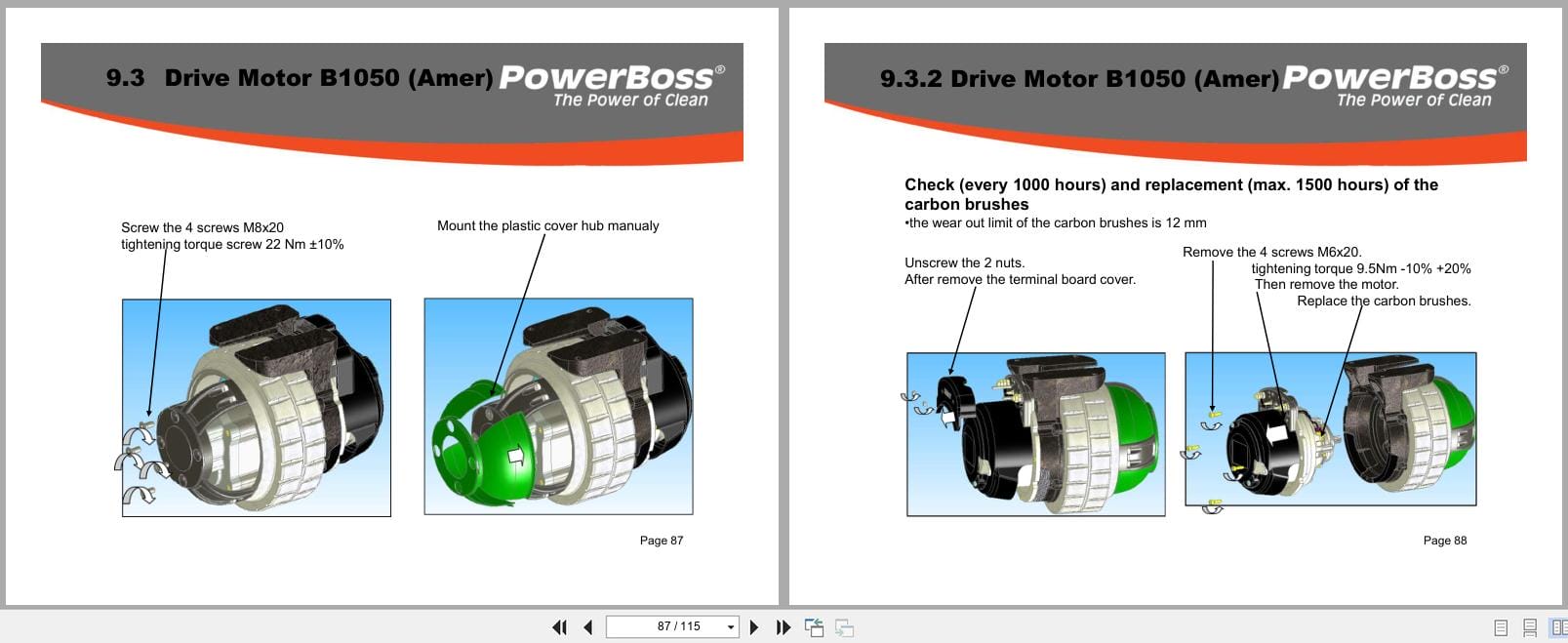
9.3 Drive Motor Hakomatic B1050 (Amer)
9.3.1 Tyre replacement
9.3.2 Check / replacement of carbon brushes
9.3.3 Diagnostic LED for drive control unit (Italsea)
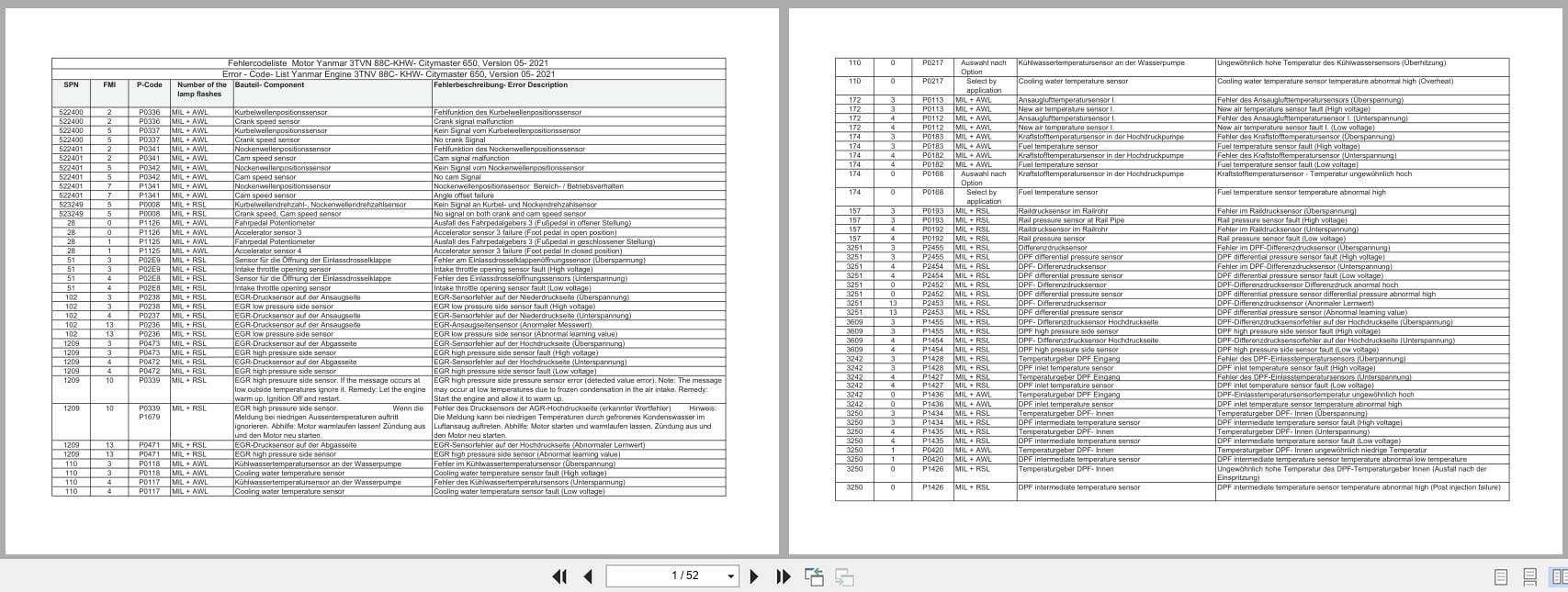
10 Error Table With Information On Service Display
11 Notes
12 Brooms, Brushes & Blades
REALEASE :
REALEASE :

REALEASE :
REALEASE :
REALEASE :
REALEASE :
REALEASE :
REALEASE :

REALEASE :
REALEASE :
REALEASE :
REALEASE :

REALEASE :
REALEASE :

REALEASE :
REALEASE :
 Automotive - Heavy Equipment - Truck & Bus - Forklift - Crane